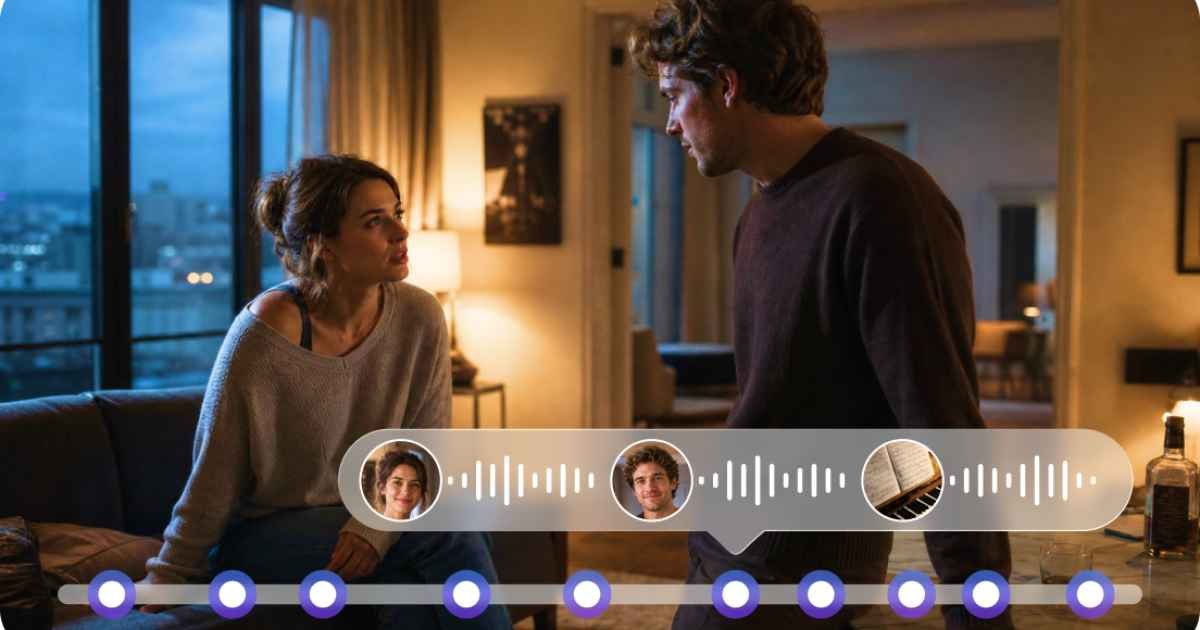
Creating audio with AI can be surprisingly quick. The harder part often comes afterward: deciding whether the result actually works for the project. A generated track may sound impressive on its own but feel wrong when placed alongside a video. The pacing might not match the action, the atmosphere may clash with the setting, or certain sounds may compete with important dialogue. For creators using Seedaudio 2.0, these issues are not necessarily signs that AI audio is ineffective. More often, they show that the creative brief needs to be clearer. For creators working with AI-generated media, learning how to judge and refine audio can be just as valuable as learning how to generate it.
Give the audio a job
Every sound in a video should have a reason for being there. A background track might establish the mood. A sound effect could emphasize an action. Environmental noise can tell viewers where a scene takes place. Dialogue can provide information that would otherwise require additional visuals. Before generating anything, identify the job the audio needs to perform.
For example, if a scene shows a character standing alone on a rainy street, the purpose might be to create a quiet and reflective atmosphere. A loud, energetic soundtrack would work against that goal, even if the audio itself is technically well produced. Starting with purpose makes evaluation much easier.
Separate quality from suitability
An important distinction in AI-assisted creation is that good audio is not automatically suitable audio. Imagine two versions of the same scene. One has detailed sound effects and strong musical energy, while the other is quieter and contains mostly environmental sounds. If the scene is supposed to feel tense and isolated, the second version might communicate the idea better. When reviewing generated audio, therefore, avoid asking only, “Does this sound good?”
Instead ask:
- Does it fit the scene?
- Does it support the intended emotion?
- Does it match the visual pace?
- Does it leave enough room for dialogue?
- Would a viewer understand the environment from the sound?
These questions are more useful than judging audio in isolation.
Experiment with one variable at a time
When a generated result is not quite right, changing everything at once can make it difficult to understand what has improved. A more controlled approach is to alter one major element at a time. You might first adjust the mood, then experiment with pacing, then change the environmental character. If the audio contains music, try testing a different intensity before changing the entire concept. This process resembles ordinary creative editing. Small changes can sometimes produce a larger improvement than starting over completely.
Use visual timing as your reference point
Audio and video become convincing when they appear to belong to the same moment. A simple example is footsteps. If the character’s feet move at one rhythm while the sound follows another, viewers can notice the mismatch even if they cannot explain exactly why the scene feels strange. The same applies to transitions, object movement, camera changes, and dramatic events.
When working with Seedaudio 2.0, creators can think about audio in relation to the visual timeline rather than treating the generated result as an independent file. The closer the relationship between what viewers see and hear, the more cohesive the finished sequence can become.
Don’t overlook volume balance
Volume problems are among the easiest ways to make otherwise useful audio uncomfortable to watch. If background music is too loud, viewers may struggle to understand speech. If environmental effects dominate the scene, important moments can disappear beneath them. On the other hand, extremely quiet audio can make a video feel flat or poorly produced.
A basic hierarchy helps:
- Primary audio should be easiest to understand.
- Supporting audio should add atmosphere without competing for attention.
- Background elements should remain subtle unless they intentionally become part of the scene.
This hierarchy can change from one moment to another. A sound that is background noise at the beginning may become the focus later.
Consider continuity across scenes
A video can contain individually good audio clips and still feel inconsistent as a whole. Suppose one scene has a warm, natural atmosphere while the next suddenly sounds extremely artificial. Even without identifying the technical difference, viewers may notice the change.
Continuity becomes especially important in longer projects. Creators should consider whether the same environment, characters, or story setting should maintain similar audio characteristics throughout the sequence. Keeping notes about tone, atmosphere, recurring sounds, and pacing can help maintain consistency when working across multiple scenes.
Know when less is better
AI makes experimentation easy, which can encourage creators to add more elements than they actually need. A scene does not become stronger simply because it contains more sounds. Sometimes a single environmental layer can communicate a location effectively. In another scene, silence followed by one carefully timed effect may create more impact than a constant soundtrack. Editing is therefore part of the creative process. Removing unnecessary audio can be as valuable as generating new material.
A simple review test
Before publishing a finished video, try watching it twice. During the first viewing, ignore technical details and experience the video normally. During the second, focus specifically on the audio. If you created the soundtrack with Seedaudio 1.5, notice moments where your attention is pulled away from the visuals, where dialogue becomes difficult to follow, or where a sound does not seem to belong.
If possible, also listen through headphones and ordinary speakers. Different playback environments can reveal different problems. Creators who want to explore AI-generated audio and experiment with different creative possibilities can use Dreamina alongside their broader production process.
Conclusion
Getting useful results from AI-generated audio is less about accepting the first output and more about knowing how to evaluate it. Purpose, timing, balance, continuity, and restraint all influence whether sound actually improves a video. The most effective approach is to treat AI generation as part of a larger creative process. Generate ideas, test variations, compare them against the visuals, and refine what does not work. With that mindset, tools such as Seedaudio 2.0 can become practical resources for experimenting with audio while keeping the creator’s creative judgment at the center of the final result.
FAQs
What should I check first when reviewing AI-generated audio?
Start with suitability. Check whether the sound matches the scene’s purpose, mood, setting, and visual action before worrying about smaller technical details.
Why does audio sometimes feel disconnected from a video?
Poor synchronization, mismatched pacing, inappropriate sound choices, or inconsistent atmosphere can make audio feel separate from the visuals.
Is adding more sound effects always better?
No. Too many competing sounds can make a scene distracting. Selective use of effects often produces a clearer and more believable result.
How important is volume balance in AI-generated audio?
Very important. Dialogue, music, environmental sounds, and effects should have a sensible hierarchy so that important elements remain easy to hear.
Can AI-generated audio be used for longer video projects?
It can be part of a longer production workflow, but consistency becomes more important as the number of scenes increases. Reviewing audio across the entire project helps maintain a unified feel.
Disclaimer: The information provided in this article is for general informational and educational purposes only. It does not constitute professional video production, audio engineering, or creative direction advice. AI audio generation and its results vary by tool, creative brief, and project context. Readers should evaluate outputs based on their own creative judgment and production requirements. The mention of specific tools such as Seedaudio 2.0 or Dreamina is illustrative and does not imply endorsement. The author and publisher disclaim all liability for any unsatisfactory audio results, production delays, or project outcomes arising from reliance on this content. This article does not guarantee specific audio quality or creative results.
Browse through content that inspires change—our change-inspiring wisdom motivates you to take action.