Events are no longer just about what happens on stage. Attendees share photos, videos, reactions, questions, and experiences throughout the event, creating a constant stream of content. A live social media wall brings this real-time activity onto event screens, LED walls, TVs, and digital signage, turning attendee content into part of the experience.
A live social media wall for events collects relevant social posts and user-generated content, lets organizers curate and moderate what appears, and displays selected content in real time. This creates a visible connection between what attendees are posting and what everyone in the venue sees. When attendees see their content featured, they have another reason to participate, post, and interact with the event.
From conferences and trade shows to festivals, product launches, corporate events, and brand activations, social media walls can help event teams create a more interactive environment while keeping audiences connected to the conversation.
What Is a Live Social Media Wall?
A live social media wall is a real-time display that collects social media posts and user-generated content related to an event and showcases selected content on screens at the venue.
Event organizers can collect content using hashtags, mentions, account handles, tagged posts, or direct audience submissions. The content can then be filtered, moderated, and displayed according to the event’s theme and objectives.
For example, attendees at a conference might post a photo with the event hashtag. A social media wall for events can collect that post, allow the event team to review it, and display it on a large screen during the event.
Unlike a static presentation or scheduled content loop, a live social wall keeps changing as the event unfolds. That makes the screen feel connected to what is happening around the venue.
Why Use a Social Media Wall for Events?
A social media wall can do more than fill an empty screen. When planned around a clear event objective, it can become an active part of the attendee experience.
Turn Attendees Into Participants
A live social media wall gives attendees a visible reason to contribute. Instead of simply watching what organizers publish, they can become part of the content being displayed.
When someone’s photo, reaction, or post appears on a large event screen, it creates a simple participation loop: post, get featured, see the response, and encourage others to join.
Create Real-Time Social Proof
Attendee content provides a genuine view of what people are experiencing at an event.
Photos from sessions, comments about speakers, reactions to activities, and behind-the-scenes moments can collectively show the energy of an event as it happens.
Keep Event Screens Dynamic
Traditional event screens can become repetitive when they rely only on static slides or scheduled announcements.
A live social media wall introduces continuously changing content. New posts, photos, videos, and conversations can keep screens fresh throughout the event.
Increase Audience Interaction
Social walls can work alongside interactive features such as reactions, polls, Q&A, contests, leaderboards, and QR-based content submission.
This makes the experience more than simply displaying social posts. Attendees can actively contribute to the event and see their participation reflected on screen.
Give Sponsors More Visibility
A social media wall can also support sponsor activations.
For example, an event could create a dedicated sponsor zone where branded posts, campaign hashtags, attendee content, or sponsor-related conversations are displayed. This gives sponsors an additional way to become part of the attendee experience.
Where Can You Use a Live Social Media Wall at an Event?
The best location depends on the type of event and the behavior you want to encourage.
Main Stage
Show speaker mentions, audience reactions, event hashtags, and selected attendee posts between sessions or during presentations.
Registration Area
Use a social wall to display welcome messages, attendee posts, event announcements, and branded content as people enter the venue.
Networking Areas
Show attendee photos, conversations, reactions, and community content to create talking points between sessions.
Exhibition and Trade Show Booths
Display product-related posts, attendee reactions, campaign content, and user-generated photos around exhibition areas.
Sponsor Zones
Create dedicated displays for sponsor campaigns, branded hashtags, contests, or attendee submissions.
Breakout Rooms
A social media wall for conferences can highlight session-specific conversations, speaker mentions, audience questions, and key takeaways.
Photo and Activity Zones
Connect a social wall with QR-based uploads or a digital photo booth so attendees can contribute photos and see selected submissions on event screens.
7 Ways to Make Your Live Social Media Wall More Interactive
Simply displaying social posts does not automatically create engagement. The experience should give attendees a reason to participate.
1. Create an Event Hashtag
Use a short, memorable hashtag and promote it before and during the event. Add it to event signage, presentation slides, badges, and announcements so attendees know how to participate.
2. Encourage Attendee Photo Sharing
Invite attendees to share event moments, session highlights, team photos, or behind-the-scenes content. Featuring selected posts can encourage more people to contribute.
3. Add QR-Based UGC Collection
Not everyone wants to post publicly on social media. QR-based submission lets attendees upload photos and videos directly, giving organizers another way to collect user-generated content.
4. Run Live Polls and Q&A
Combine social content with interactive questions, polls, and Q&A sessions. Displaying audience responses alongside social posts can make the screen more useful during presentations and sessions.
5. Use Reactions and Gamification
Reactions, contests, leaderboards, and other gamification elements can encourage participation throughout the event.
For example, organizers can create a photo challenge and feature participants on the event social wall as submissions come in.
6. Highlight Speakers and VIPs
Create dedicated content streams for speakers, panelists, guests, or VIPs. Highlighting their posts and audience reactions can keep conversations focused around important event moments.
7. Change Content by Event Zone
A single content stream does not have to work everywhere.
The main stage could focus on speaker conversations, the registration area could feature welcome posts, and a sponsor booth could display campaign-related UGC. This makes each screen more relevant to its location.
What Features Should You Look for in a Live Social Media Wall?
Choosing a social media wall tool for an event requires more than checking how many social networks it supports.
Look for features that help your team collect, control, display, and measure content efficiently.
| Feature | Why It Matters for Events |
| Real-time updates | Keeps event content fresh and connected to what is happening |
| Multi-source collection | Brings content from multiple social platforms into one stream |
| Content moderation | Helps keep displays relevant and brand-safe |
| UGC collection | Lets attendees contribute photos and videos directly |
| Custom branding | Keeps the display consistent with the event identity |
| Multi-screen support | Helps manage displays across different event areas |
| Polls and Q&A | Adds direct audience interaction |
| Reactions | Gives attendees a quick way to participate |
| Gamification | Encourages participation through challenges and leaderboards |
| Analytics | Helps measure content and audience activity |
| Sponsor features | Supports branded campaigns and sponsor visibility |
The most useful platform is one that combines content collection with moderation, customization, engagement, and measurement rather than treating the social wall as just a feed.
Live Social Media Wall Ideas for Different Events
A social media wall for events can be adapted to different formats and audiences.
Conferences: Display speaker quotes, attendee reactions, session discussions, questions, and event hashtags.
Trade shows: Showcase booth visits, product experiences, customer reactions, and exhibitor content.
Corporate events: Highlight employee posts, team moments, company announcements, and event milestones.
Product launches: Display first reactions, attendee photos, product experiences, and branded campaign content.
Festivals: Showcase crowd photos, performances, reactions, and memorable moments throughout the day.
Brand activations: Combine UGC, contests, QR submissions, branded content, and interactive experiences to encourage participation.
The goal is not to display as much content as possible. It is to display the right content at the right moment.
How to Get More Value From Your Event Social Wall
A successful social wall starts before attendees enter the venue.
Promote the event hashtag in advance, tell attendees how they can participate, prepare moderation rules, and decide which content should appear in each event zone.
During the event, assign someone to monitor the display and adjust content when necessary. A session about a new product may require a different content focus than a networking break or sponsor activation.
After the event, the collected content can help your team understand what resonated with attendees. Analytics can reveal participation levels, popular posts, engagement trends, and other useful signals for future events.
This turns the social wall from a decorative screen into a measurable part of the event experience.
Social Walls by Taggbox: Built for Interactive Events
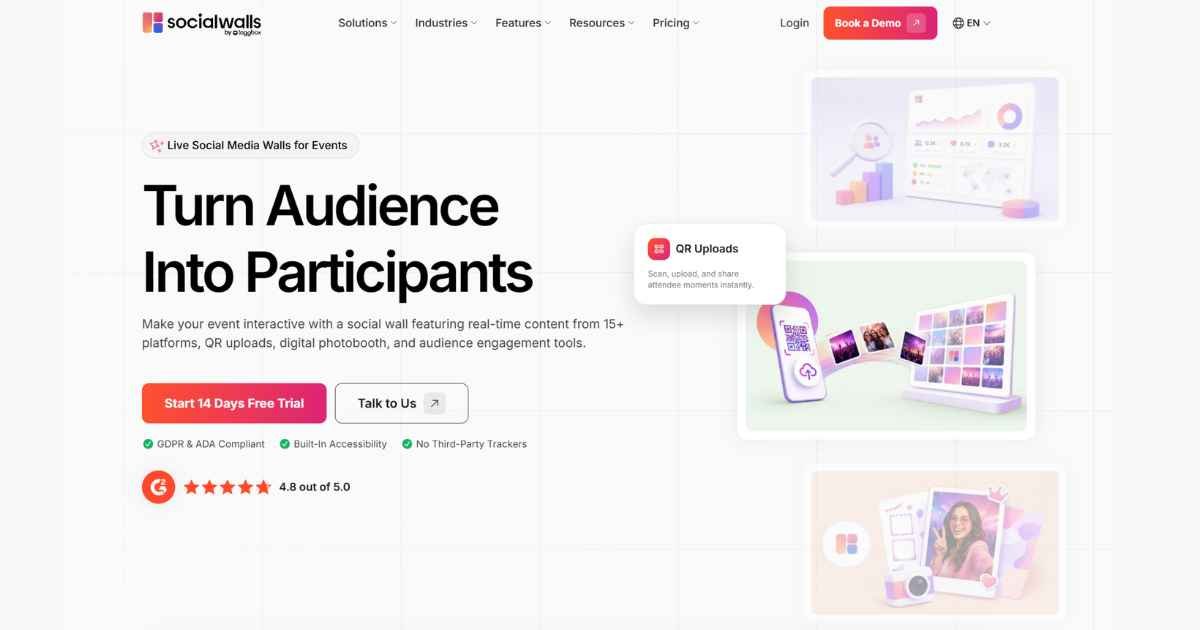
For event teams looking for an all-in-one solution, Social Walls by Taggbox brings social media aggregation, UGC collection, moderation, audience engagement, and live displays together in one platform.
Event organizers can collect content from multiple sources, curate what appears, and display selected content across event screens, TVs, LED walls, and social digital signage.
Features such as SnapUp allow attendees to submit photos and videos through QR codes without requiring a social media login. Event teams can also use Reactions, Polls, Live Q&A, Spotlight, Ticker, Leaderboards, Gamification, and Advanced Analytics to create a more interactive event experience.
With tools for moderation, branding, multi-screen displays, and audience engagement, the platform can be adapted to conferences, trade shows, corporate events, festivals, product launches, and brand activations.
Final Thoughts
A live social media wall can turn the social activity already happening around an event into a visible part of the experience. Instead of letting attendee posts disappear in individual feeds, event organizers can bring selected conversations, photos, videos, and reactions onto shared screens.
The strongest event social walls are not simply fast-moving feeds. They are carefully planned experiences that combine real-time content, moderation, UGC, audience interaction, branding, and analytics.
Whether you’re organizing a conference, trade show, festival, corporate gathering, or product launch, the right live social media wall for events can help create a more participatory experience—one where attendees don’t just watch the event, but become part of what everyone sees.
Disclaimer: The information provided in this article is for general informational and educational purposes only. It does not constitute professional marketing, event planning, or technology advice. Social media wall features, platform policies, and event outcomes vary by provider and event type. Readers should verify platform capabilities, pricing, and data privacy compliance before use. The mention of Taggbox or any specific platform is illustrative and does not imply endorsement. The author and publisher disclaim all liability for event outcomes, technical issues, or financial losses arising from reliance on this content. Always test displays and moderation settings before live events.
Looking for content that keeps things simple? Explore our straightforward guides—easy to read and easy to use.