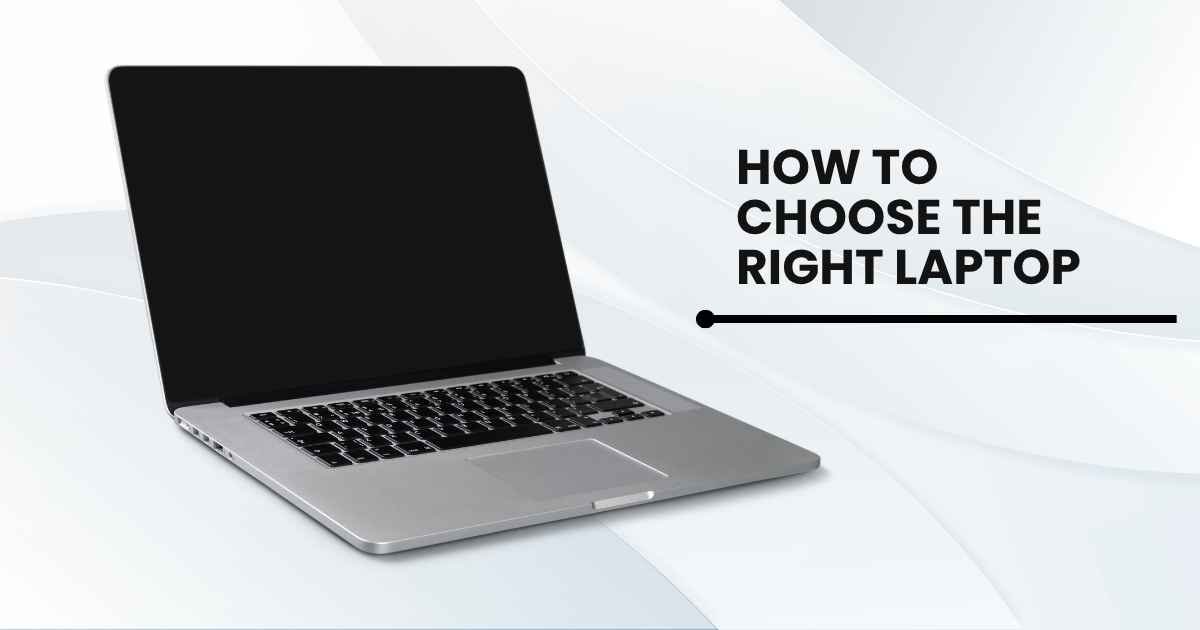
Choosing the right laptop depends on how much RAM you want for a comfortable experience and how long you want to use it on battery power. What most people in Bangladesh are looking for in minimum specs is an Intel Core i5 or AMD Ryzen 5 processor, 8GB of RAM, and an NVMe SSD. Students can work with 8GB. For professional or freelance users, 16GB is the best choice. In addition, gamers will need a separate GPU. Before comparing brands, it’s important to check the original laptop price with models that have been officially imported and are currently under warranty. A lot of people choose the wrong laptop not because they are careless; the specs listed in the listing aren’t necessarily the same as what they experience when using the laptop. That’s all reversed by this breakdown.
What Processor Should I Get?
The speed at which everything responds, and the ability to perform multiple tasks at once, will depend on the laptop’s processor. A Core i3 or Ryzen 3 is sufficient for general use, such as browsing, video calls, and documents.
A Core i5 or Ryzen 5 will be noticeably faster if you want to use it for office multitasking, coding, or running a local server in addition to your editor. Only a Core i7 or Ryzen 7 is needed for building big codebases, video rendering, and virtual machines.
The tier is less important than the generation. Older 8th-gen Intel Core i7 processors are slower for everyday use than 12th-gen Intel Core i5 processors.
Don’t assume from the name; always check the generation.
8GB or 16GB RAM: How to Decide
The most prominent spec in use is the RAM. Enables you to open 10 to 15 documents, e-mail, video calls, and browsing at the same time with 8GB.
16GB removes the limit for heavy users or for design and development software. 32GB is only required for video production, machine learning, or when multiple virtual machines are running simultaneously.
Prior to purchase, check if the RAM slot is accessible. It’s not possible to upgrade soldered RAM later.
When purchasing the 8 GB version, if you plan to upgrade to 16GB later, make sure the slot is available before you buy
It’s Best To Always Select An Nvme Ssd Over An Hdd
The NVMe SSD is the most significant upgrade, apart from anything else, that can make a real difference to your daily life.
A laptop with an NVMe SSD loads Windows in less than 15 seconds, and the Office applications open up instantly.
Firstly, the boot-up time for a traditional hard drive ranges from 60 to 90 seconds, and secondly, file operations feel slow on it.
So, 2026 is not the right time to buy a new laptop with an HDD as its primary drive.
With cloud storage, 256GB is a good minimum size. A 512 GB storage capacity is better suited for a 2–3-year period. Save video or large data files on local storage?
Start at 1TB.
Is It Absolutely Necessary To Have A Dedicated GPU?
Most buyers do not. Integrated graphics work well for everyday tasks, coding, photo editing in Lightroom, and video calls.
For gaming, 4K video editing with effects, 3D rendering, and machine learning workloads, a dedicated NVIDIA or AMD GPU is required to achieve playable frame rates.
Buying a separate GPU increases the price by ৳15,000 to ৳30,000 and reduces battery life by 2-4 hours per day, but offers no real advantage.
Battery Life and Display: The Two You Feel Every Day
If you’re looking to take a laptop on the go and use it for work, you’ll want at least 6 hours of battery life. The spec sheet numbers are always exaggerated.
A laptop that has a 10-hour claim will provide 5-7 hours of mixed use. Find a battery with a capacity of 45 Wh or higher and fast-charging compatibility. 30 minutes of charge that gives 3 hours of use is important on a long day away from a socket.
An IPS panel is great for displays because it does not cause eye strain during long periods of use and displays more accurate colors than a TN panel.
For Bangladeshi consumers, the standard display is a 1080p FHD IPS screen with a 14- to 15.6-inch diagonal.
Before You Pay, There Are 3 Things To Confirm!
In addition to the specs, these three checks help avoid the top three “pitfalls” that buyers regret in the Bangladesh laptop market.
- Check whether the warranty is applicable in Bangladesh. An official Bangladesh Warranty guarantees that repairs are carried out by the authorized service center using genuine parts. The type of shop warranty depends on whether the shop is still operating when the problem occurs.
- Make sure that the RAM slot is available. If the RAM is soldered, it is fixed at 8GB for the lifetime of the laptop. Check whether the slot is available before buying any 8GB upgrade you’re considering.
- Check the type of storage in person. Some listings advertise NVMe SSDs but ship SATA SSDs or HDDs instead. Before buying, ask the seller the type of drive used in Windows Device Manager.
All legitimate Laptop purchases made in Bangladesh should include a VAT-compliant invoice, an official Bangladesh warranty card, and a sealed retail box with matching serial numbers.
These aren’t add-ons. They are the lowest level expected of any authorized sale.
Disclaimer: The information provided in this article is for general informational and educational purposes only. It does not constitute professional technology, purchasing, or retail advice. Laptop specifications, pricing, warranty terms, and availability vary by model and region; readers should verify all details directly with authorized sellers before making a purchase. The author and publisher disclaim all liability for any purchasing decisions, performance issues, or financial losses arising from reliance on this content. Always confirm warranty coverage, storage type, and RAM upgrade options in person where possible. This article does not guarantee specific product performance or value.
Uncover the path to unshakable confidence—our confidence frameworks help you believe in yourself completely.