Protecting yourself online is a necessity. We do an enormous amount of activity online, and it can be used to track us for various purposes.
Regardless of the purpose, it breaches privacy and goes against our fundamental human rights. However, corporations are incentivized to steal and sell our data, so we can’t expect them to respect our privacy.
Laws, on the other hand, are too slow to catch up and enforce rules that address these concerns. So it is upto us to safeguard our privacy.
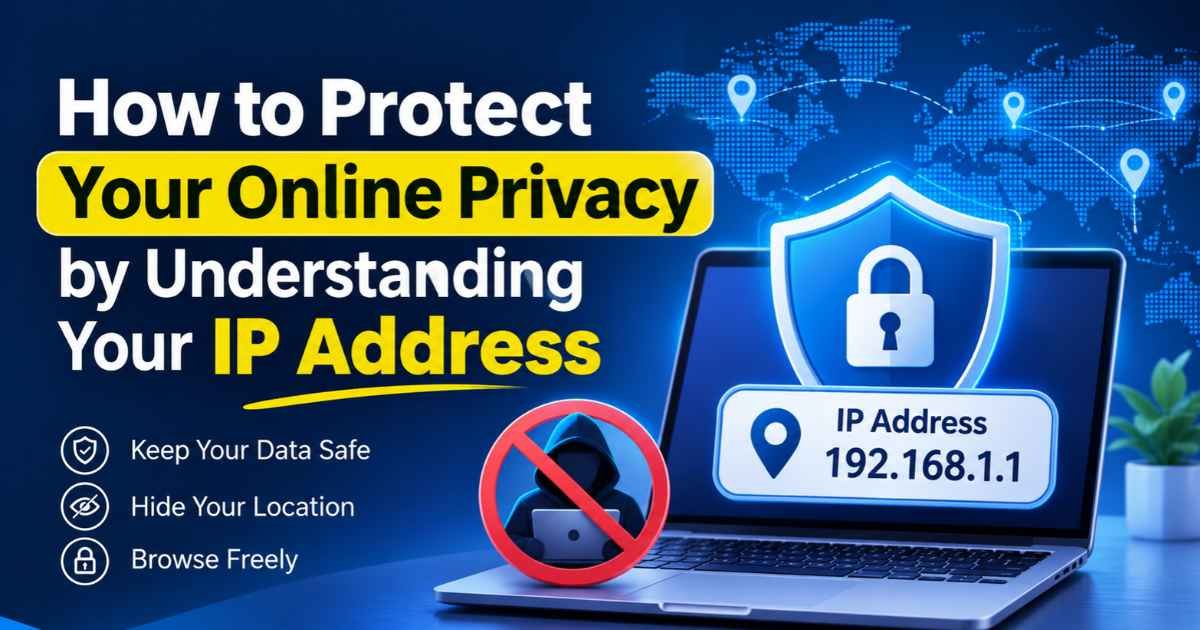
Today, our topic is about public IP addresses. Our IP addresses are used for communication on the web, but they also reveal a ton of information about us. Understanding what they reveal and how to hide that information can help you protect your privacy.
What Is an IP Address?
An IP address is a sequence of numbers assigned to a device or network when it connects to the internet. An IP address is like your home address: it helps ensure your data gets where it needs to go.
There are two primary types of IP addresses:
- IPv4: This is the older and most common type. It is made up of four sections of numbers that are separated by periods.
- IPv6: This newer form includes a combination of characters and numbers and supports more connected devices.
In addition, an IP address can be either public or private. A public IP address can be seen by websites and other online services, while a private IP address lets devices on a home or office network communicate with each other.
What Can Your IP Address Reveal?
Here’s the main focus of our topic. Your public IP address carries a lot of information that can be used to track you. Here are some of the things it reveals:
- General location: It can point to your country, city, or nearby area.
- Internet provider: It may reveal which company provides your internet service.
- Network details: It can help identify the type of network you use.
- Online activity: Websites may use your IP address to track visits, block access, or show content based on your region.
Most of this information comes from public databases, such as your general location and ISP.
You can see exactly what you reveal by doing an IP address lookup for your public IP.
How to Check Your IP Address
You can check your own IP address to see what information is leaked about you by doing an IP check. You can use any online IP address checker for this.
Here’s what a typical IP address checker will show you:
- Your IP address
- Its estimated location (typically accurate up to your neighborhood)
- The ASN number
- The ISP providing you with Internet access
- The browser fingerprints
While this information is not personally identifying, it can be used with other data points to create a profile about you. This profile is then used to provide targeted advertisements and whatnot.
How to Protect Your Online Privacy
Knowing what your IP address reveals is only the first step. You should also take steps to limit how much information you share online.
1. Use a VPN
A VPN hides your real public IP address from the websites you visit. It does this by routing your traffic through a different server. The server’s public IP address masks your own. This can help hide your general location.
VPNs also encrypt your traffic so nobody can snoop on it and learn what you are doing.
When you use a VPN, always check your IP address before and after you turn it on. If it’s working, then you should see a different IP and IP location.
However, a VPN does not make you fully anonymous. Your VPN provider may still see some details about your connection.
2. Avoid Unknown Links
Some links can take you to dangerous websites or scams. Some links may try to trick users into sharing personal data.
That’s why people should be cautious when clicking on links in email, social media messages, or on unknown websites. Also, always check the website URL before you enter passwords and payment details.
Use tools like VirusTotal to scan unknown links for malicious signals. Also use ad-blocking extensions such as uBlock Origin. These come with blacklists that block harmful pop-ups and scam sites from loading, thus protecting your devices.
3. Use Secure Networks
Public Wi-Fi networks can put your data at risk, especially if they lack proper security. Avoid accessing bank accounts or sharing sensitive details on unknown networks at all costs.
If you must use public Wi-Fi, use a trusted VPN and avoid sites that do not use HTTPS.
4. Review App Permissions
Modern mobile apps are a cesspool of privacy invasions. Even a simple calculator app will ask permission to access your camera, microphone, and storage.
Apps use these permissions to spy on you and collect data that their owners can then sell.
So, go through your device and revoke any permissions unrelated to an app’s function.
5. Keep Your Router Secure
Your router connects all your home devices to the internet. Change its default admin password and use WPA2 or WPA3 security.
Also install firmware updates when they become available. These updates can fix security issues and help keep your network safe.
Failing to do this can let bad actors hijack your router and sniff your traffic. They can also identify devices on your local network by checking their private IPs and MAC addresses.
They won’t stop there either; if your devices have any sensitive information, it can be stolen and then ransomed or sold.
Needless to say, that is a huge security risk and should be guarded against.
Final Thoughts
An Internet Protocol (IP) address plays an important role in how you use the internet. It helps to route data from websites and online applications to your device, but it can also reveal details about your connection and where you might be in the world.
By using an IP address checker or lookup tool, you can see what people can find out about you from your public IP address. Once you know this, you can better choose your VPN, network security, and application access to improve your online privacy.
Disclaimer: This article is for general informational purposes only and does not constitute professional cybersecurity, legal, or technical advice. IP address behaviour, lookup tool accuracy, VPN capabilities, and network security practices vary by provider and configuration, and may change without notice. A VPN does not make you fully anonymous, and no single measure can guarantee complete privacy or security. References to specific tools (including VirusTotal and uBlock Origin) do not imply endorsement. Readers should verify all technical details, privacy policies, and service terms directly with their providers, and consult a qualified security professional for guidance specific to their situation. The author and publisher disclaim any liability for decisions made based on this content.
Turn your next step into your best step—our forward-momentum guides help you keep moving with purpose, even when the path isn’t perfectly clear.